Quick Takeaway: Contrast is the ratio between the brightest white and the darkest black on your screen. Increasing contrast doesn’t always mean a better picture; it often leads to “crushed blacks” and “blown-out highlights.” For the best results, set your brightness first, then adjust contrast until you can clearly distinguish between subtle shades of gray … Read More “Mastering Monitor Contrast: How to Calibrate Your Display for Professional Clarity” »
Category: Guideline
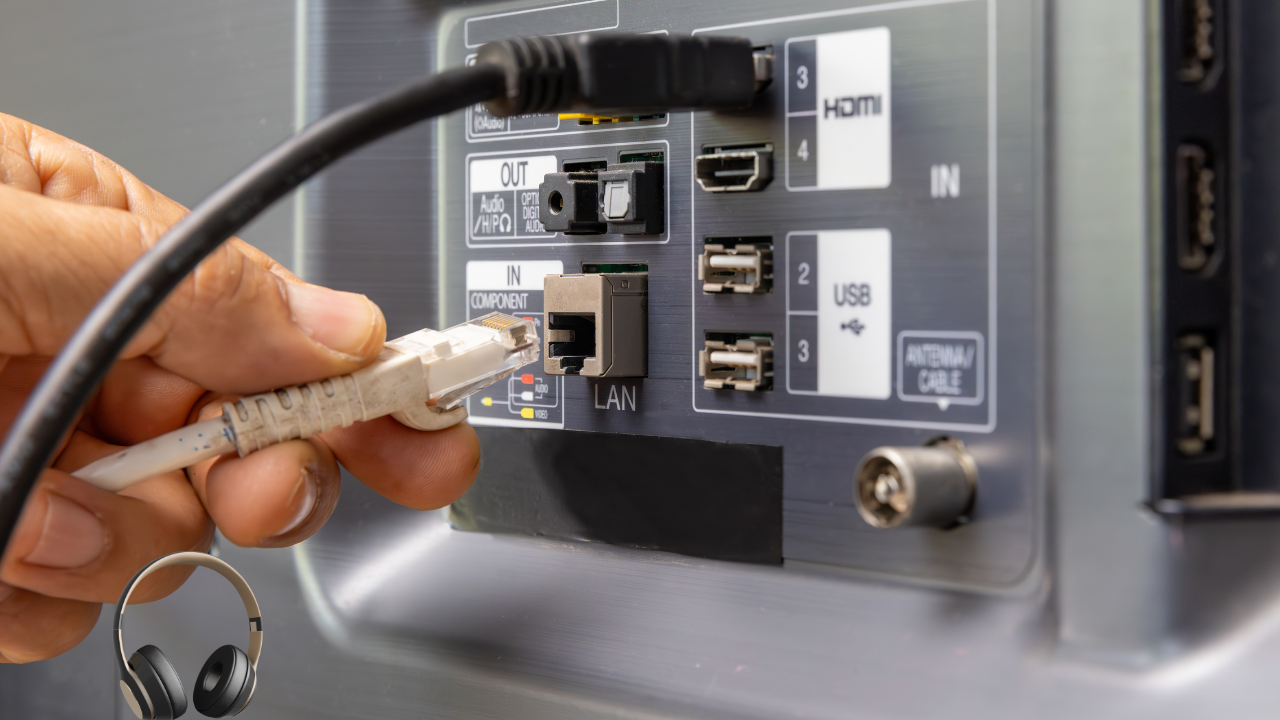
To connect wired headphones to Windows 10, plug them into the 3.5mm jack or USB port. If you don’t hear sound, right-click the speaker icon in the taskbar, select “Open Sound settings,” and ensure your headphones are selected under the “Output” dropdown menu. My Journey with Windows Audio Troubleshooting When I first started building custom … Read More “How to Connect Wired Headphones to Windows 10: A Pro’s Guide to Perfect Audio” »
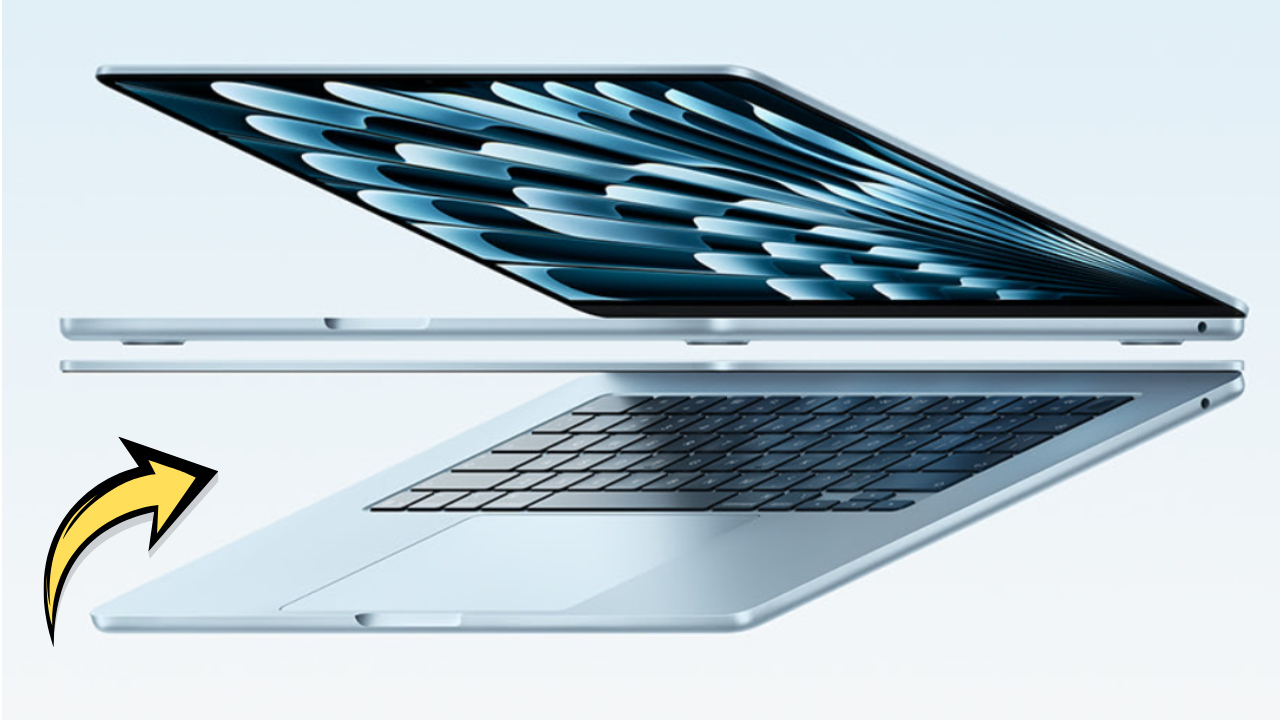
Looking for info on the apple 2026 macbook air 15-inch laptop with m5 chip can feel a bit tricky at first. You might wonder if it’s really different or if you can handle setting it up. Don’t worry, we’ll make it super simple. This guide breaks down everything you need to know step-by-step. Get ready … Read More “Apple 2026 Macbook Air 15-inch Laptop M5 Chip” »
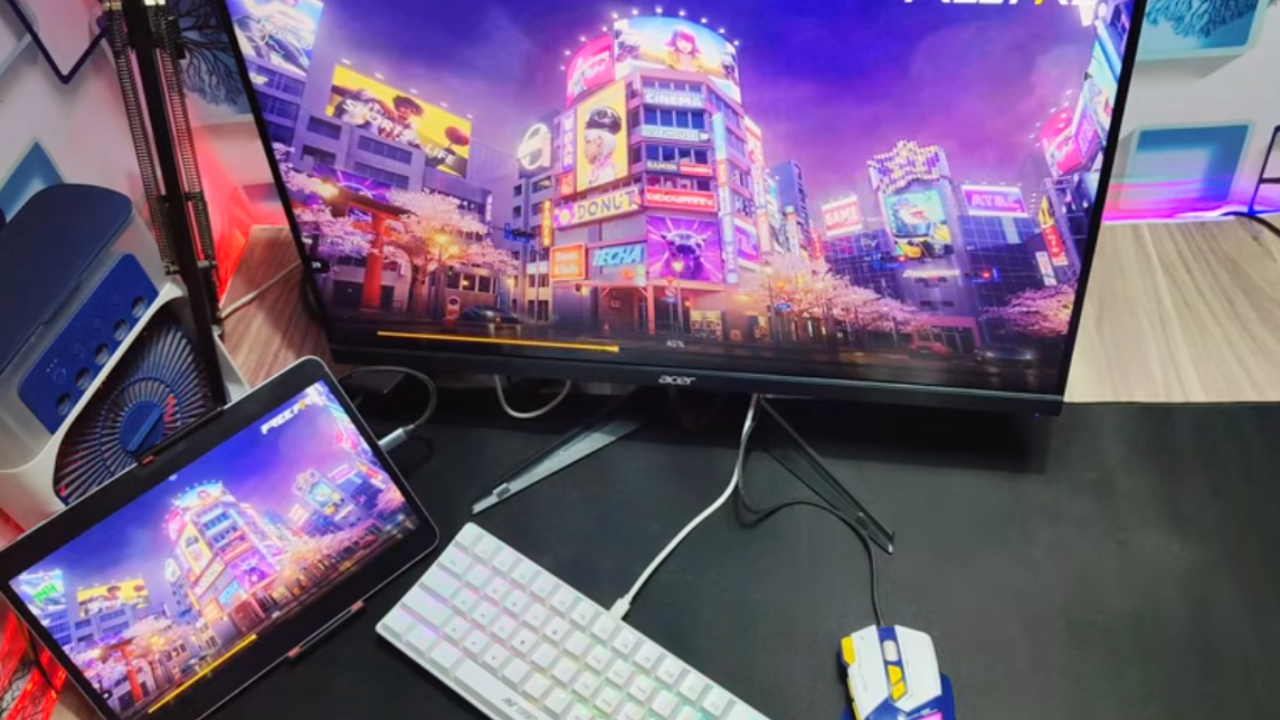
Most gaming monitors are built with flexibility in mind. They need to connect to all sorts of different devices. So, the first thing to check is what kinds of ports your monitor has on the back or bottom. This is your gateway to using it without a PC. The most common ports you’ll find are … Read More “How To Use A Gaming Monitor Without A Pc” »